Where AI automation fits in everyday operations
Start with the repetitive work your people already dislike: that’s usually where automation pays off first.
By Opsiogen2 min read
AI automation pays off fastest on ordinary work: the tasks people repeat every day or week, that follow clear rules and move information from one place to another. Start there, not with the most ambitious idea. Here is how we find the right first tasks and bring them in safely.
Look for work that repeats
Ask people which tasks they do the same way every week, and which ones they put off. Typical answers:
- Copying details from emails, forms and documents into another system
- Reading invoices, orders and receipts
- Sorting routine enquiries and sending first replies
- Chasing approvals and sign-offs
- Building the same report every week
Choose tasks with clear rules
A good first task has a clear start, a clear finish and a way to check the result. “Put each invoice’s supplier, date and total into the accounts” is a good candidate. “Decide which suppliers to keep” is not: that needs judgement and context only your people have.
What AI adds
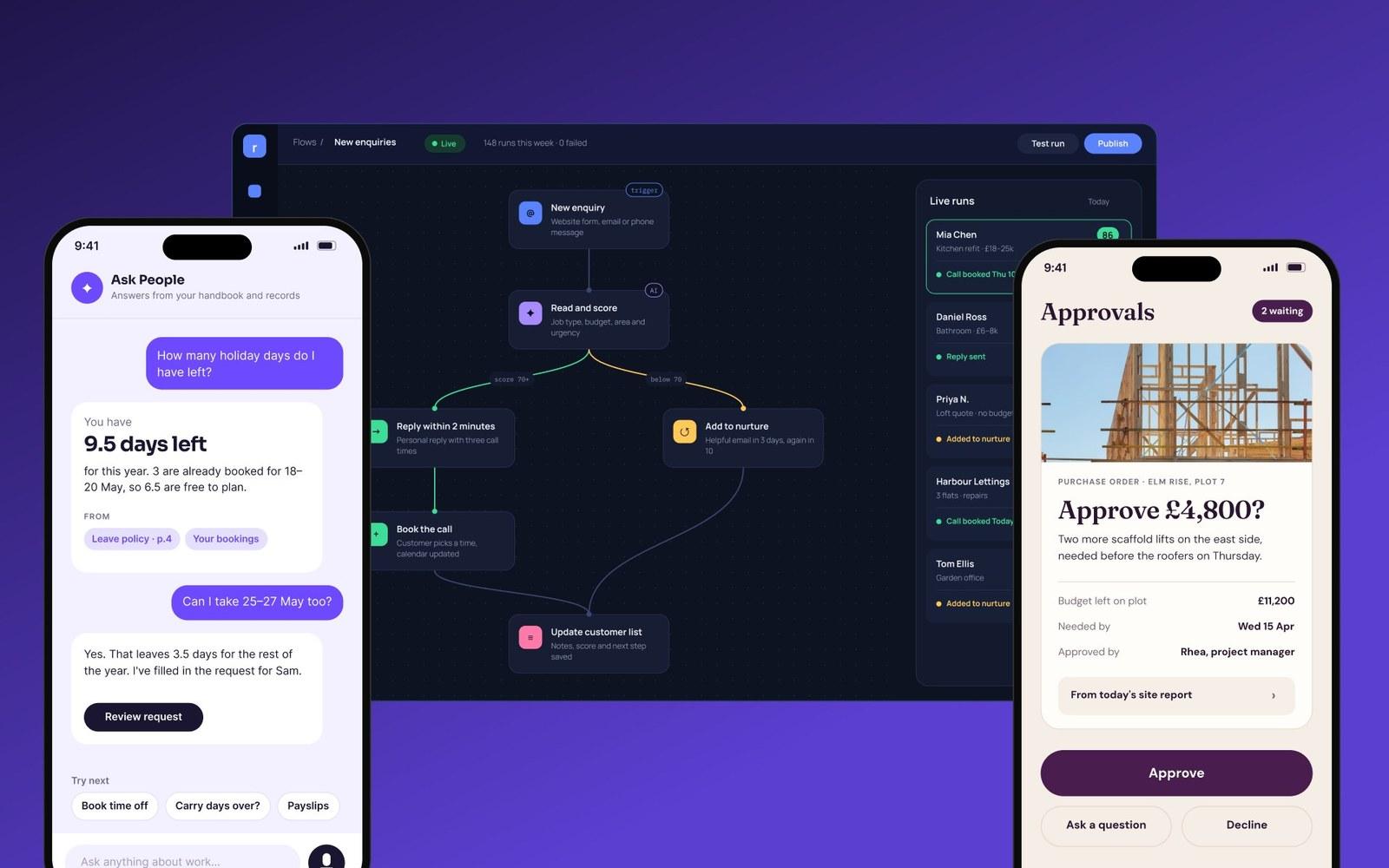
Older automation could only follow fixed rules on tidy data. AI can also read and write. It can pull details out of a scanned document, tell a complaint from a sales enquiry, draft a reply or summarise a long thread. That opens up work that used to need a person for every single item.
Keep a person in the loop
Start with automation preparing the work and a person approving it:
- Let automation prepare the work: the details pulled out, the draft reply, the report
- Let a person check and approve it
- Automate the approval only once the results are reliably right
This builds trust, catches mistakes early and shows exactly where the automation needs to improve.
Work inside the tools you already use
Automation works best inside the systems people already open every day: email, the accounts software, customer records, a shared spreadsheet. Nobody should have to learn a new screen to benefit from it.
Look after data and access
Decide what the automation can see and what it can change. Keep sensitive information where it already lives, give each automation only the access it needs and keep a record of what it did.
Measure the time saved
Note how long the task takes today and how often it happens. Check again after a few weeks. The difference shows whether it worked and which task to automate next.
Where to start
Pick one task this month: common, rule-based and disliked. Automate it with a person checking the output, measure the result, then move to the next. See how we approach AI automation, or tell us which task you would hand over first.